Blog 3: Understanding Arrays – The Simplest Data Structure
Arrays are the foundation of Data Structures. Learn how elements are stored in continuous memory, how indexing works, and why arrays are fast for access but slow for insertion and deletion. Start your DSA journey with this core concept. #DSA #Arrays #Programming #Coding #Algorithms #Tech

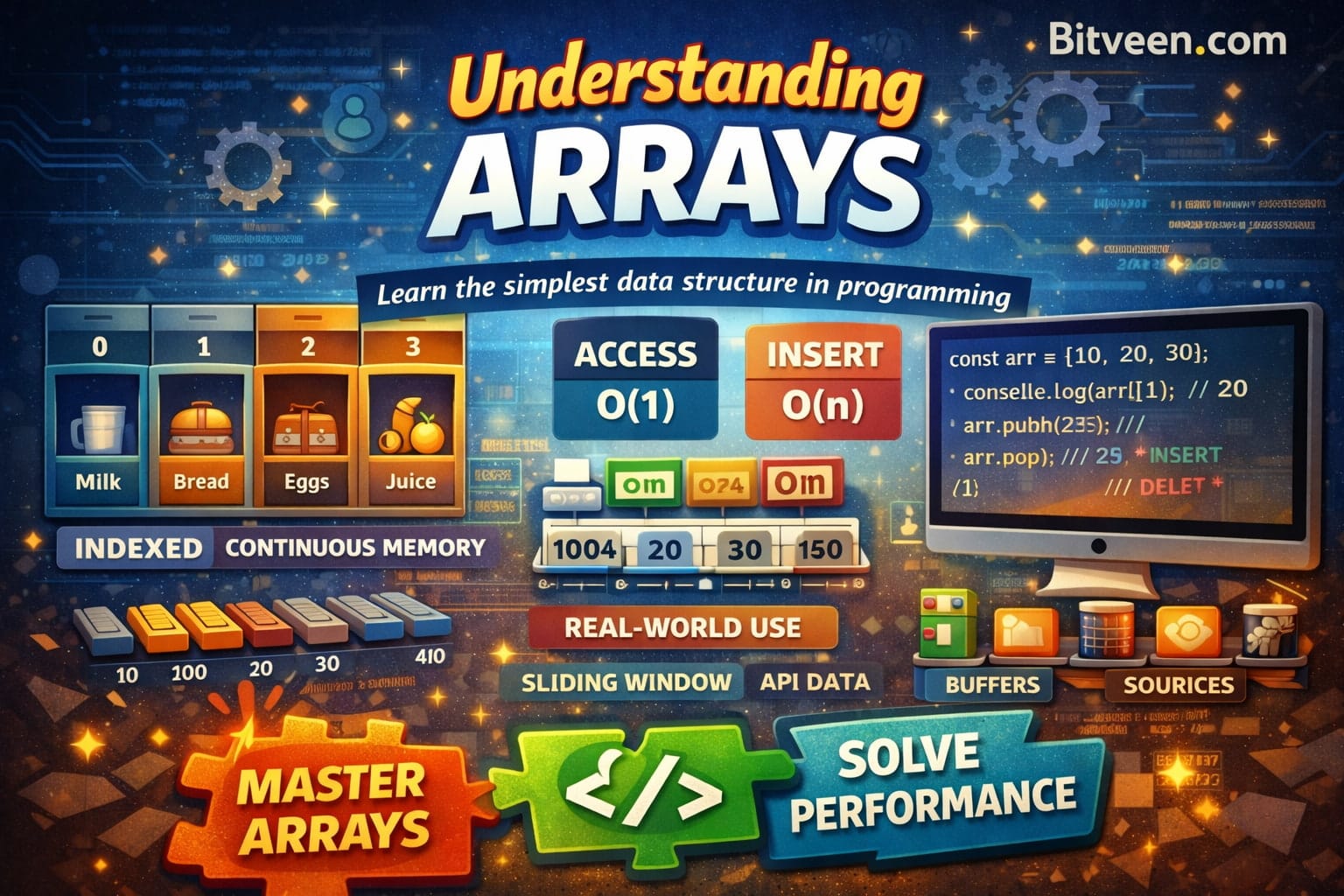
🧠 Introduction
In the previous blog, we understood what Data Structures are.
Now we start with the most fundamental one:
Arrays — the building block of DSA
Almost every complex data structure is built using arrays internally.
📦 What is an Array?
An array is a collection of elements:
- Stored in continuous memory
- Accessed using an index (position)
👉 Simple definition:
“An array stores multiple values in a single variable, where each value is accessed using an index.”
🧊 Real-Life Analogy
Think of a row of lockers 🔐
Locker Index →   0     1     2     3
                ---------------------
Items        →  Milk  Bread Eggs  Juice
👉 If you want Eggs → directly go to index 2
No searching required. That’s the power of arrays.
⚡ How Arrays Work Internally
Arrays are stored in continuous memory locations.
Memory Address → 1000   1004   1008   1012
                  |       |      |      |
Values         → [10]   [20]   [30]   [40]
Index          →  0      1      2      3
👉 Formula (conceptual):
Address = Base Address + (Index × Size of element)
👉 That’s why access is instant (O(1))
🔑 Key Features of Arrays
🔹 1. Index-Based Access
- Direct access using index
- No need to iterate
const arr = [10, 20, 30];
console.log(arr[1]); // 20
👉 Time Complexity: O(1)
🔹 2. Continuous Memory
- Elements stored next to each other
- Helps in fast computation
🔹 3. Fixed Size (Conceptually)
- Size is defined at creation (in many languages)
- Dynamic arrays (like JS) handle resizing internally
🔍 Basic Operations on Arrays
👉 1. Access (Fast)
const arr = [10, 20, 30];
console.log(arr[2]); // 30
👉 Time: O(1)
👉 2. Insertion (Costly in middle)
Before: [10, 20, 30, 40]

Insert 25 at index 2

Step:
Shift elements → [10, 20, _, 30, 40]
Insert →        [10, 20, 25, 30, 40]
👉 Time: O(n)
👉 3. Deletion (Also costly)
Before: [10, 20, 30, 40]

Delete index 1

Step:
Shift elements → [10, 30, 40, _]
👉 Time: O(n)
📊 Operation Summary
Operation      Time Complexity
------------------------------
Access         O(1)
Search         O(n)
Insert         O(n)
Delete         O(n)
⚠️ Common Beginner Mistakes
❌ 1. Forgetting index starts from 0
👉 First element is always index 0
❌ 2. Assuming everything is fast
👉 Only access is fast, not insert/delete
❌ 3. Ignoring edge cases
👉 Empty array, out-of-bound index
arr[10]; // undefined (JS)
🎯 Interview Patterns Based on Arrays
Most DSA problems start from arrays:
- Two Pointer Technique
- Sliding Window
- Prefix Sum
👉 Master arrays → easier problem solving
🧠 Real Industry Usage
Arrays are everywhere:
- API responses (lists of data)
- UI rendering (loops in React/Angular)
- Backend processing
- Buffers and caching
👉 You are already using arrays daily.
🧩 Small Practice Problem
👉 Find the maximum number in an array:
function findMax(arr) {
  let max = arr[0];

  for (let i = 1; i < arr.length; i++) {
    if (arr[i] > max) {
      max = arr[i];
    }
  }

  return max;
}
🚀 What’s Next?
Now that you understand arrays…
👉 Next blog:
“Time Complexity Explained Simply (Big-O Made Easy)”
 Bitveen Admin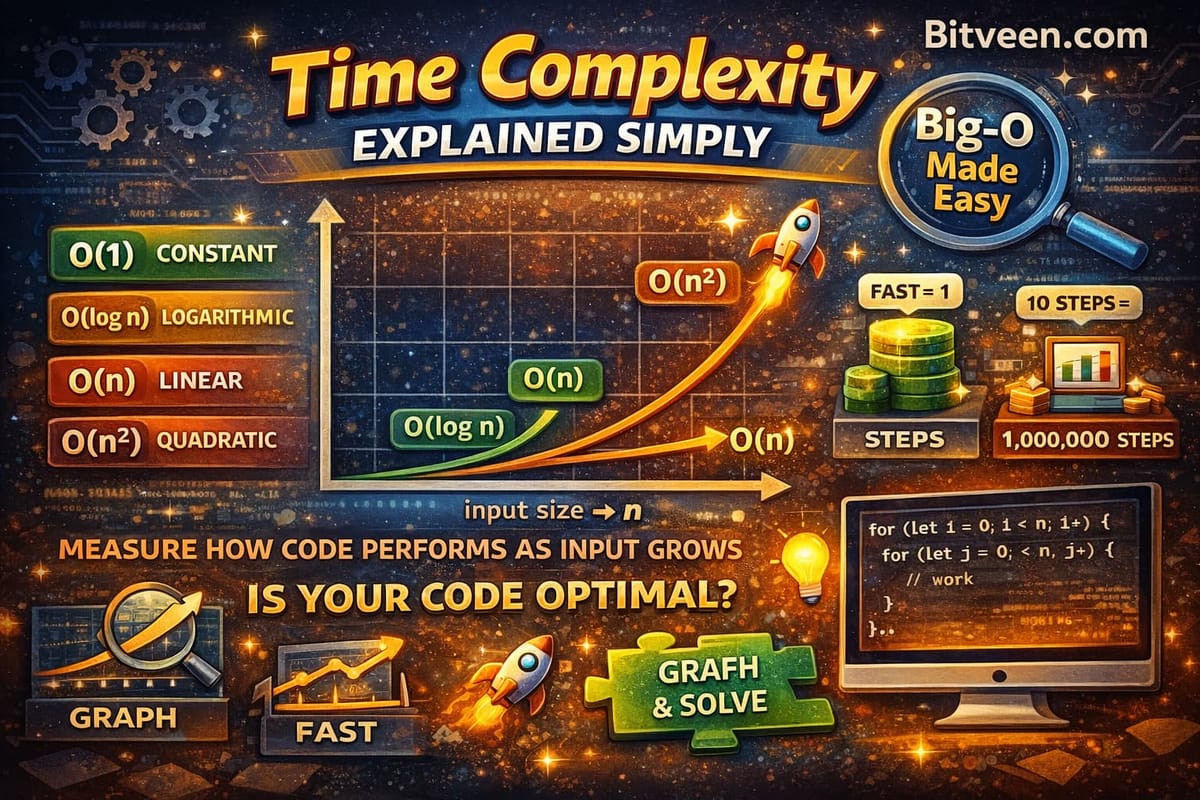
✍️ Closing Thought
“Arrays are simple to learn, but mastering them unlocks advanced problem solving.”