5 Simple Digital Habits to Keep Hackers Away 🔐
Stay ahead of hackers with 5 simple digital habits — from strong passwords to smart browsing. Protect your data, your privacy, and your peace of mind. 🧠💻 #CyberSafety #OnlineSecurity #DataProtection #HackFreeLife

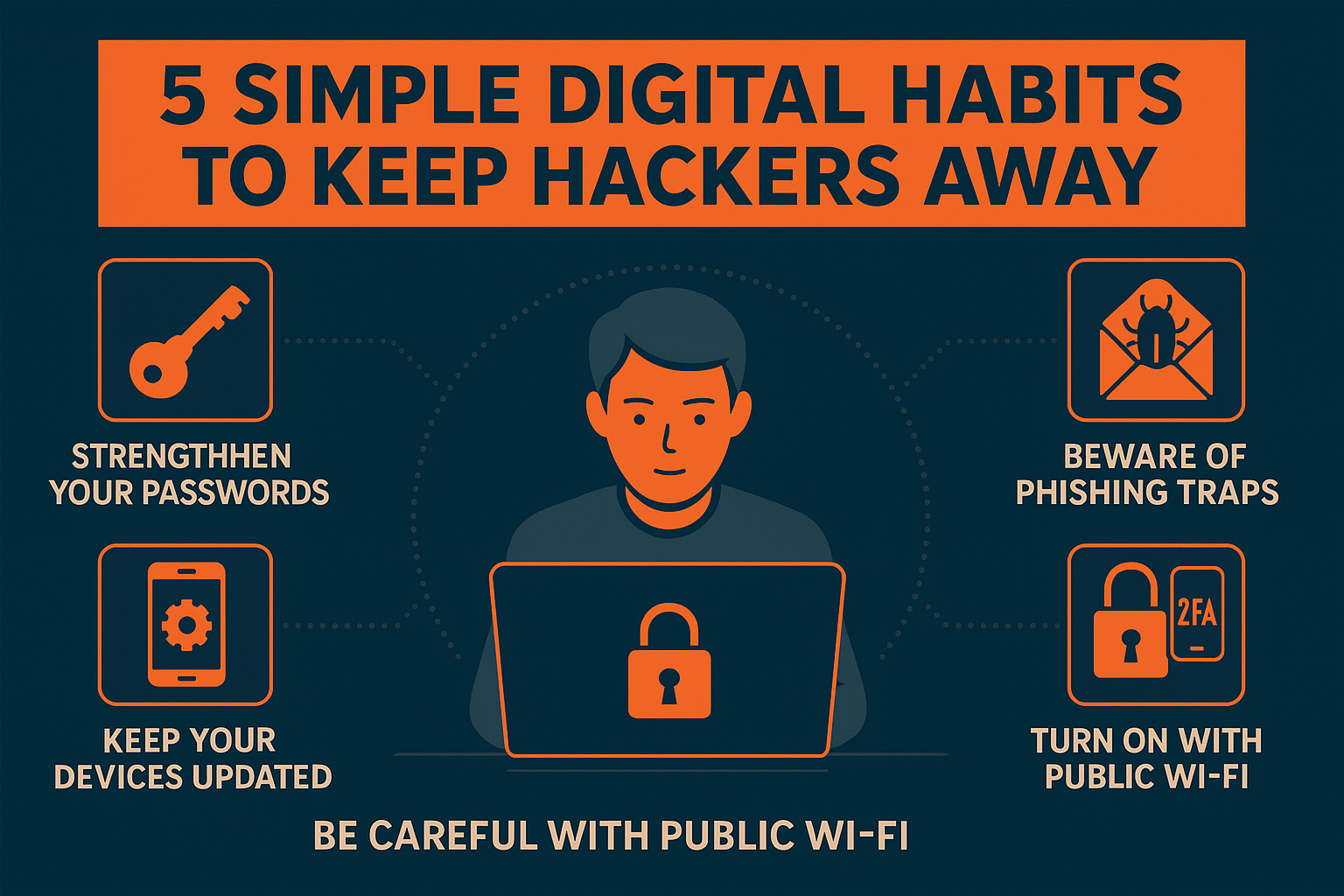
In today’s world, we live more online than offline. From shopping and banking to chatting and storing personal memories — everything’s digital. But with this convenience comes risk. Hackers are everywhere, waiting for one careless click or weak password to sneak in.
The good news? You don’t need to be a tech genius to protect yourself. A few smart habits can go a long way in keeping your digital life safe. Let’s talk about 5 simple ones you can start today.
1️⃣ Strengthen Your Password Game
Let’s be honest — most of us are guilty of reusing the same password across multiple accounts. “123456”, “password”, or your pet’s name might be easy to remember, but they’re also the first things hackers try.
👉 Here’s what to do instead:
- Create passwords that are long and complex — mix uppercase, lowercase, numbers, and symbols.
- Use unique passwords for every account.
- Get a password manager to store them safely (you don’t have to remember them all).
A strong password is like a solid front door — it won’t stop every attack, but it’ll definitely slow down anyone trying to break in.
2️⃣ Beware of Phishing Traps
That “urgent email” saying your account will be deactivated or that “lucky message” claiming you’ve won a new phone — yes, those are traps.
Phishing is one of the oldest yet most effective tricks hackers use. They try to make you panic or click before thinking.
✅ How to stay safe:
- Don’t click on suspicious links or attachments.
- Always check the sender’s email carefully (a single letter off can be fake).
- When in doubt, go directly to the official website instead of clicking links.
Remember: no genuine company asks for your password or OTP via email or text.
3️⃣ Keep Your Devices Updated
We all love to hit “Remind me later” when that update pop-up shows up. But here’s the catch — those updates often contain important security patches.
Hackers actively exploit old system vulnerabilities. So, by skipping updates, you’re basically leaving your digital door wide open.
💡 Pro tip:
Turn on automatic updates for your operating system, browser, and apps.
It takes a few minutes, but it can protect you from countless unseen threats.
4️⃣ Use Public Wi-Fi Wisely
Free Wi-Fi is tempting, especially at cafes, airports, or malls. But public networks are like open books — anyone can read your data if they want to.
If you must use public Wi-Fi:
- Avoid logging into your bank or email accounts.
- Use a VPN (Virtual Private Network) to encrypt your connection.
- Turn off “auto-connect” for Wi-Fi and Bluetooth when you’re not using them.
Think of public Wi-Fi as a shared swimming pool — you don’t know what’s floating around in there.
5️⃣ Turn On Two-Factor Authentication (2FA)
Even if your password gets stolen, two-factor authentication adds a second lock. It’s one of the easiest and most effective ways to protect your accounts.
With 2FA, even if hackers know your password, they’ll still need access to your phone or email to get in.
Most major platforms — Google, Instagram, Facebook, and banks — support it.
Take five minutes to enable it today. It’s a tiny effort for massive peace of mind.
🔒 Final Thoughts
Cybersecurity isn’t about being perfect — it’s about being prepared.
Hackers often go after the easiest targets, not the smartest ones. By following these five simple habits — strong passwords, spotting scams, updating devices, using safe networks, and enabling 2FA — you’re already ahead of most people online.
In a world full of cyber traps, awareness is your best armor.
Stay alert, stay smart, and keep hackers far, far away.
🛡️ Disclaimer
This blog is for educational and awareness purposes only. It does not constitute professional cybersecurity advice. Readers are encouraged to use trusted tools and consult certified experts for personalized protection or data recovery. The author assumes no liability for any loss or damage arising from following the suggestions in this article.